Create your first route in minutes
Your dispatch panel, driver app, and proof of delivery — all in one place.
Start your 7-day free trialThis post is also available in 简体中文 and 繁体中文.
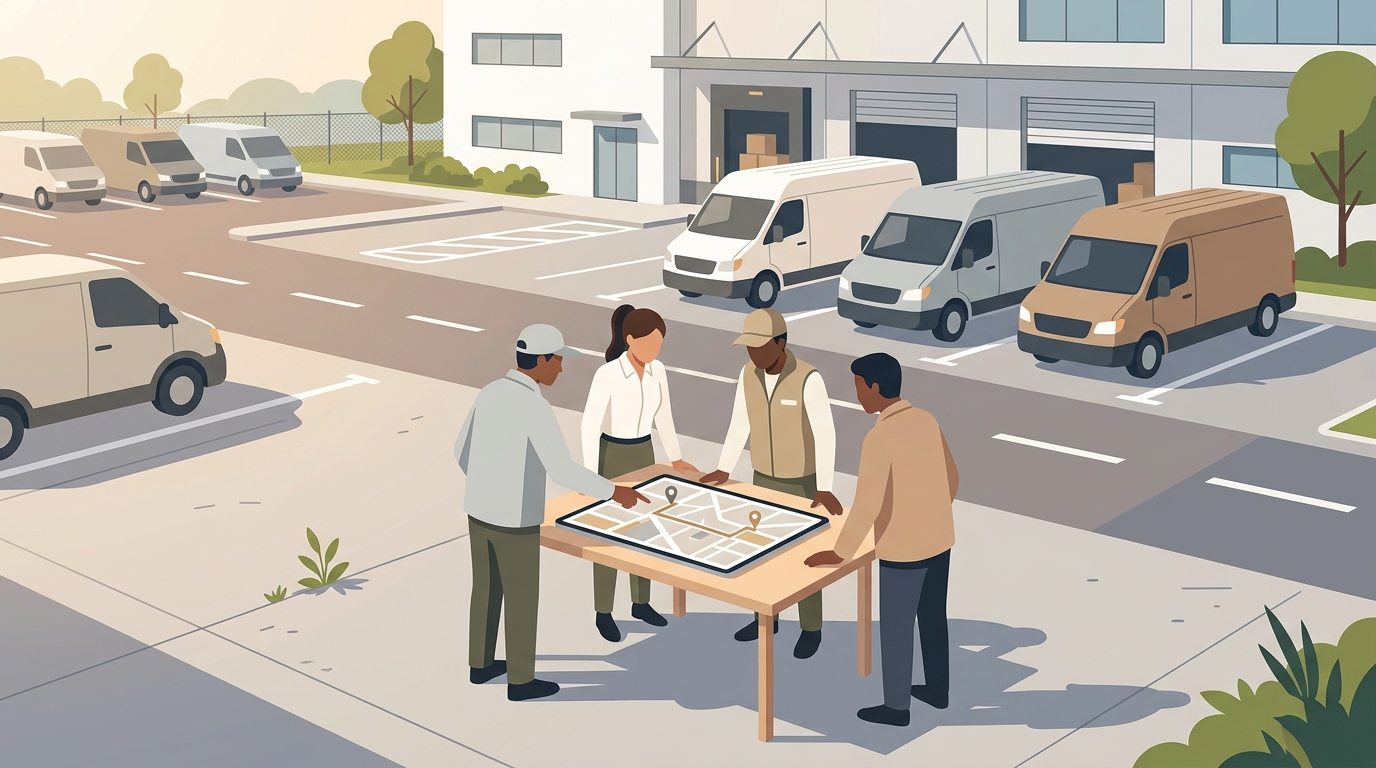
If your team has 2 to 10 drivers and handles 5 to 50 deliveries a day, you have probably outgrown the "text the addresses to the driver" stage. Someone in the office spends the first hour of every morning splitting orders into runs, calling drivers, and answering "where is my delivery" messages from customers.
That job has a name: delivery route management. And there is software built to handle it. This guide explains what route management software does for a small team, what you actually need at this size, what the main tools cost in 2026, and what teams should watch for.
Route planner vs route management software
The two terms get mixed up, and the difference matters when you are choosing a tool.
A delivery route planner answers one question: in what order should a driver visit these stops? You paste in addresses, it returns the fastest sequence. Most free tools stop here.
Delivery route management software covers the whole daily cycle for a team:
- Scheduling: which orders go out today, tomorrow, or in a specific time window
- Dispatch: splitting the day's orders across several drivers and sending each one their run
- Tracking: seeing where every driver is and which stops are done
- Proof of delivery: photos, signatures, or PIN codes so a completed delivery cannot be disputed
- Customer notifications: ETA messages and tracking links so customers stop calling you
If you have one driver, a route planner is enough. The moment you have two drivers and a dispatcher, you need the management layer. This guide is for that stage.
What a 2 to 10 driver team actually needs
Most software in this category is built for fleets of 50 or more vehicles. Enterprise features come with enterprise pricing and weeks of onboarding. For a small team, the list of things that matter day to day is short.
1. Multi-driver dispatch that takes minutes, not an hour. Import the day's orders from a spreadsheet, click optimise, and let the software split them across your drivers. Manually deciding which of 40 stops goes to which of 4 drivers is the biggest time sink in a small delivery operation.
2. A way for drivers to receive their run without training. Casual and part-time drivers are normal at this size. The tool should work through a web link or a simple app that a new driver can open on day one without an onboarding call.
3. Live tracking for the dispatcher. When a customer calls at 2 pm asking where their order is, and you need to answer in ten seconds instead of phoning the driver.
4. Proof of delivery. Photo, signature, or PIN at the door. One disputed delivery a month pays for the software.
5. Pricing that does not punish you for adding a driver. Small teams scale up and down weekly. If the software bills per driver, every casual you bring on for a busy Saturday raises your bill.
What you do not need yet: API integrations, ERP connectors, custom analytics dashboards, multi-depot planning. Those become relevant at hundreds of deliveries a day.
Delivery route management software compared (2026)
All prices below were taken from each vendor's public pricing page on 9 September 2026, in USD. Check the vendor's site before buying — plans change.
| Software | Pricing model | Entry price | What the entry plan includes | Proof of delivery |
|---|---|---|---|---|
| iDirect | Per order volume, unlimited drivers | $29/mo for 500 orders | Route optimisation, dispatch panel, driver app and web portal, tracking, notifications | From Standard ($119/mo, 1,500 orders) |
| Routific | Per order volume, unlimited drivers | Free up to 100 orders, then $150/mo up to 1,000 orders | Optimisation, driver app, tracking, email notifications | Included |
| Spoke Dispatch (formerly Circuit for Teams) | Per stop volume | $125/mo for 1,000 stops | Optimisation, tracking, basic proof of delivery | Basic on Starter, advanced on Premium ($200/mo) |
| OptimoRoute | Per driver per month | $39 per driver per month (Lite) | Optimisation, driver app, live tracking | Pro plan only ($49 per driver per month) |
What this means for a 3-driver team doing 400 orders a month
Same team, same volume. Here is the monthly cost on the cheapest plan that covers dispatch, tracking and proof of delivery:
| Software | Plan needed | Monthly cost |
|---|---|---|
| iDirect | Standard | $119 |
| Spoke Dispatch | Starter | $125 |
| OptimoRoute | Pro, 3 drivers | $147 |
| Routific | Paid plan | $150 |
At this size the prices are close. The gap shows up when your driver count changes. Add two casual drivers for December and the OptimoRoute bill jumps by $98 a month. The per-order tools (iDirect, Routific, Spoke) stay the same until your order volume changes.
If you do not need proof of delivery yet, iDirect Lite at $29 for 500 orders is the cheapest option here that still includes multi-driver dispatch.
Getting a small team running in under 10 minutes
Setup is where small teams waste the most time. Here is the process in iDirect, which is typical of the per-order tools above.
Step 1. Create the team and add drivers. Sign up, name your team, add drivers by phone number or email. There is no per-driver charge, so add everyone including casuals.
Step 2. Import today's orders. Paste addresses or upload the Excel or CSV file you already keep. Address validation runs on import, so bad addresses are flagged before a driver wastes a trip.
Step 3. Optimise and dispatch. Set how many drivers are working today and click optimise. The software splits the orders into balanced runs. Drag stops between drivers if you want to adjust.
Step 4. Send the runs. Each driver gets their run in the driver app, or through the web portal if they would rather not install anything. They tap a stop to navigate.
Step 5. Watch the day. The dispatch panel shows every driver's position and which stops are complete. On Standard and above, photo and signature proof is attached to each completed stop.
Day one takes about ten minutes. Day two is closer to five, because drivers and settings are saved.
Pricing models: per driver vs per order
There are two ways this software is priced, and for a small team the model matters more than the sticker price.
Per driver per month (OptimoRoute). Predictable when your headcount is stable. Expensive when you rely on casual drivers, because every seat is billed whether the driver worked 2 days or 22.
Per order volume with unlimited drivers (iDirect, Routific, Spoke). You pay for what you deliver and can add or remove drivers without touching your bill. The trade-off is an overage rate once you pass the included volume.
iDirect's current plans, for reference:
| Plan | Monthly price | Orders included | Extra orders | Key additions |
|---|---|---|---|---|
| Lite | $29 | 500 | $0.05 each | Optimisation, dispatch, driver app and web portal, tracking, notifications |
| Standard | $119 | 1,500 | $0.07 each | Signature, photo, PIN and barcode proof of delivery |
| Pro | $269 | 3,500 | $0.08 each | API and webhook integration, 3-month data retention |
All plans include unlimited drivers and unlimited team members. Data retention is 1 month on Lite and Standard, and records can be exported at any time. Every plan has a 7-day free trial.
Frequently asked questions
What is the difference between a delivery route planner and delivery route management software? A route planner sequences stops for one driver. Route management software adds scheduling, multi-driver dispatch, live tracking and proof of delivery for a team. See the section above for the full breakdown.
What are the best ways to manage delivery drivers and schedules for a small team? Import all orders once a day, let the software split them across drivers, send each driver their run electronically, and track completion from one screen. The manual alternative breaks at around 3 drivers or 30 stops a day.
Is there free delivery route management software? Routific has a free tier up to 100 orders a month. Free single-driver route planners exist, but they do not include dispatch or tracking. Every other tool in this comparison offers a free trial rather than a free plan.
How much does delivery route management software cost for a small team? For a team of 3 drivers doing around 400 orders a month, expect $119 to $150 per month for a plan that includes dispatch, tracking and proof of delivery, based on the September 2026 prices above. Entry plans without proof of delivery start at $29.
Do drivers need to install an app? It depends on the tool. iDirect offers a native driver app and web version will be published soon.
Start managing routes instead of texting them
Dispatch tomorrow's deliveries in ten minutes, not an hour.
Written by